
Accessibility Audit · Preply Tutor-Booking Flow
WCAG 2.2 AA evaluation of 5 critical views: 19 non-compliant criteria, 112 documented findings, prioritized remediation roadmap.
Context
 Context
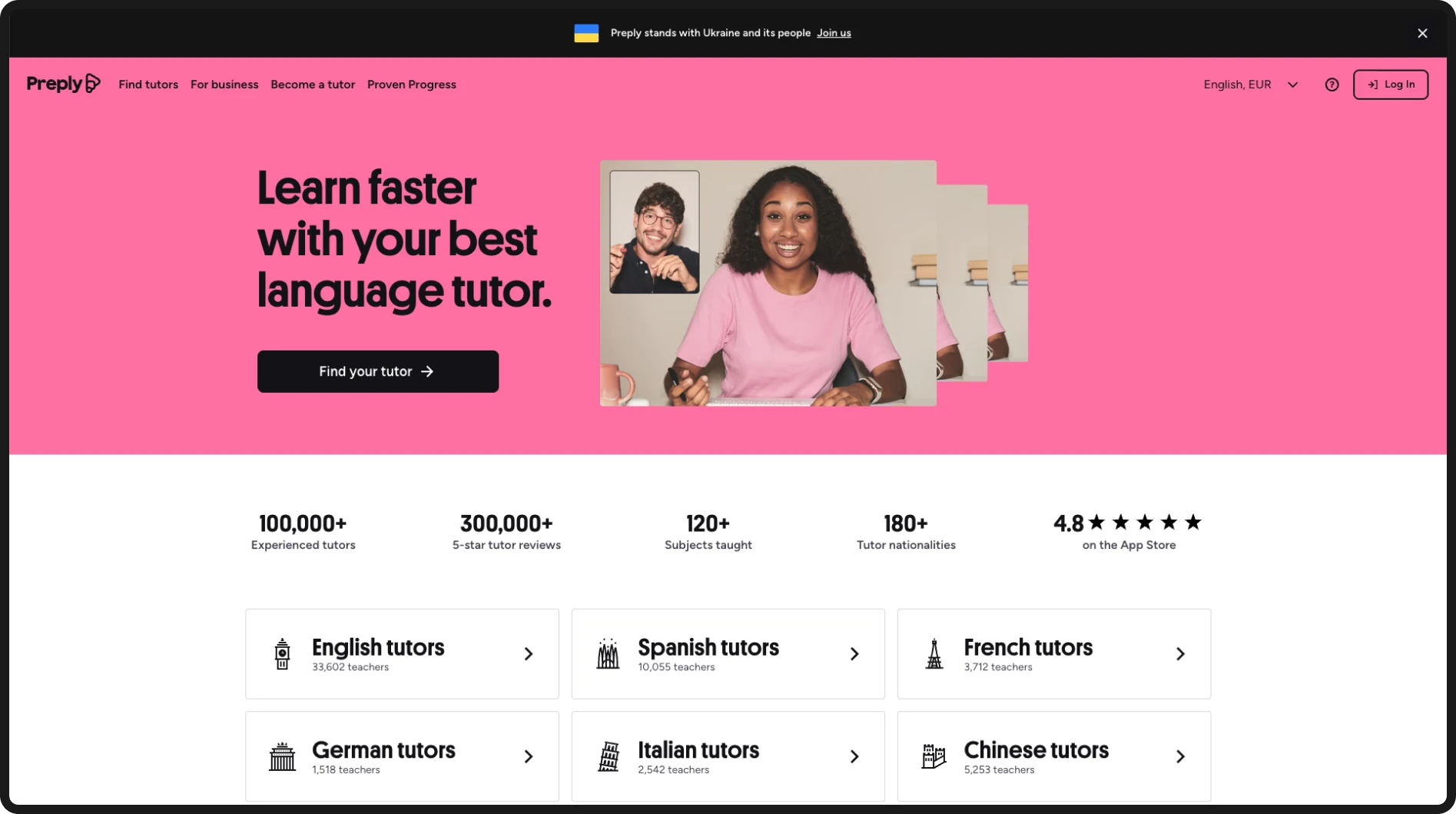
Preply is a global language learning platform that connects students with private tutors through real-time video lessons. With millions of active users worldwide, its proposition is clear: anyone, at any level, can learn a language with a personalised tutor.
But can everyone actually book one? This audit evaluates how well Preply meets international accessibility standards, and what barriers users with disabilities may be facing along the way.
Challenges
 Challenges
Preply's business model depends on a specific journey: someone who wants to learn a language finds a tutor, reviews their profile, checks their availability, and books a trial lesson.
That journey is also a complete process under WCAG: if one step fails, the entire process falls out of conformance. A barrier in the search, the calendar, or the payment isn't an isolated issue, it blocks the full conversion for users with disabilities.
-
Identify and document the accessibility barriers present across the booking flow.
-
Evaluate conformance against WCAG 2.2 level AA.
-
Provide actionable recommendations for remediation.

-
Home
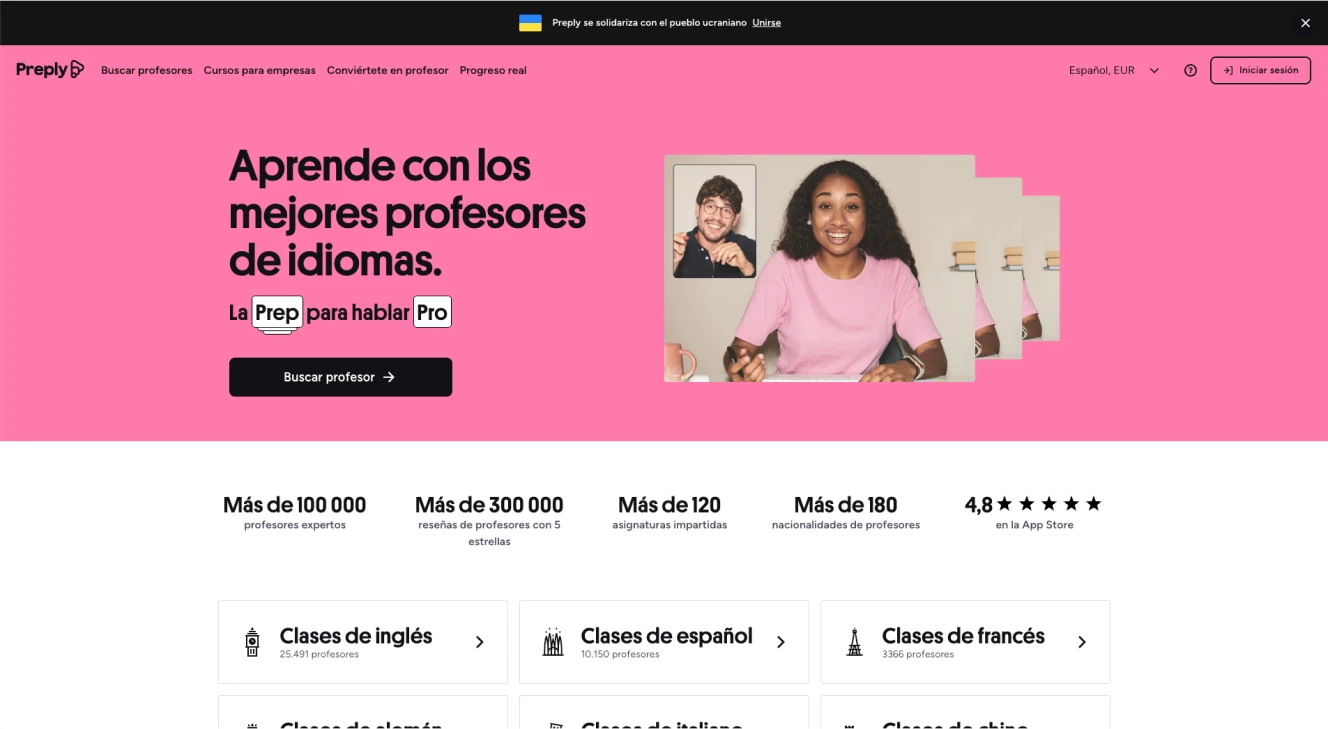
The user lands on the homepage and starts their tutor search.
-
Search
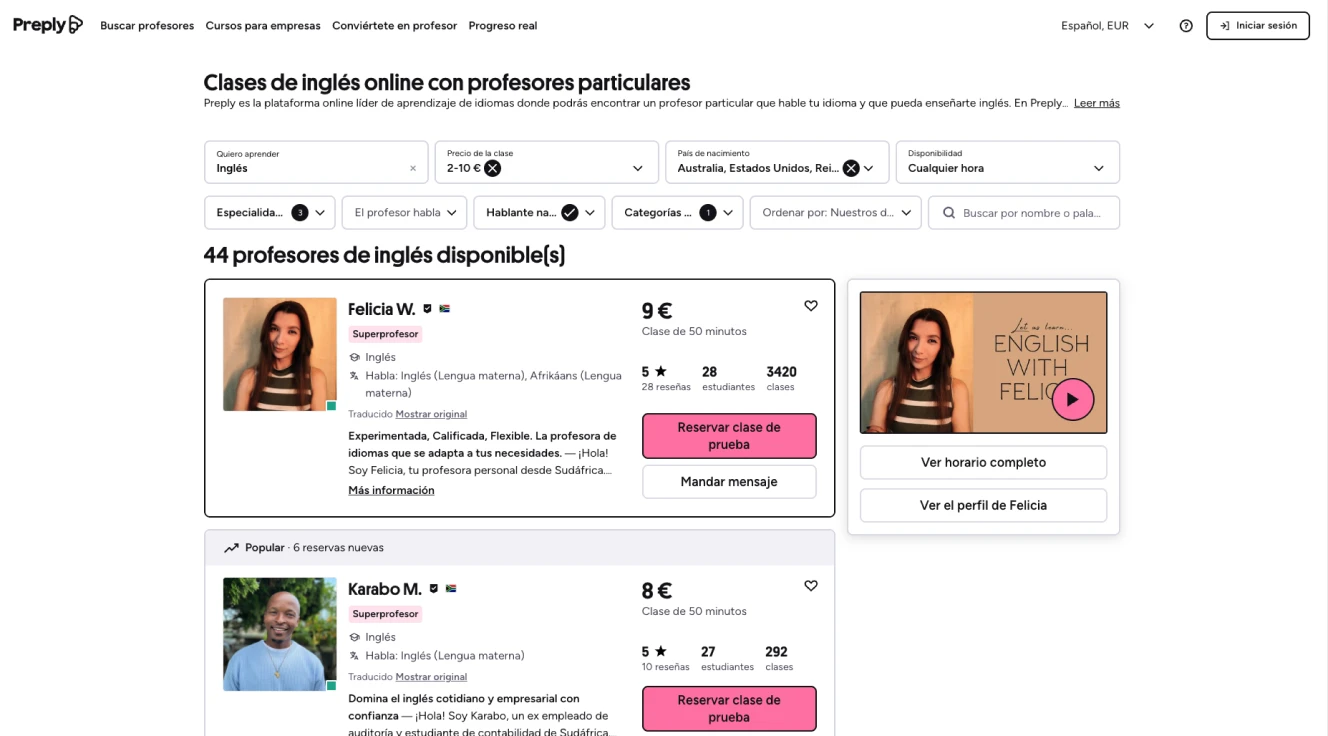
They explore tutors and filter by language, price, availability, and more to find the right match.
-
Profile
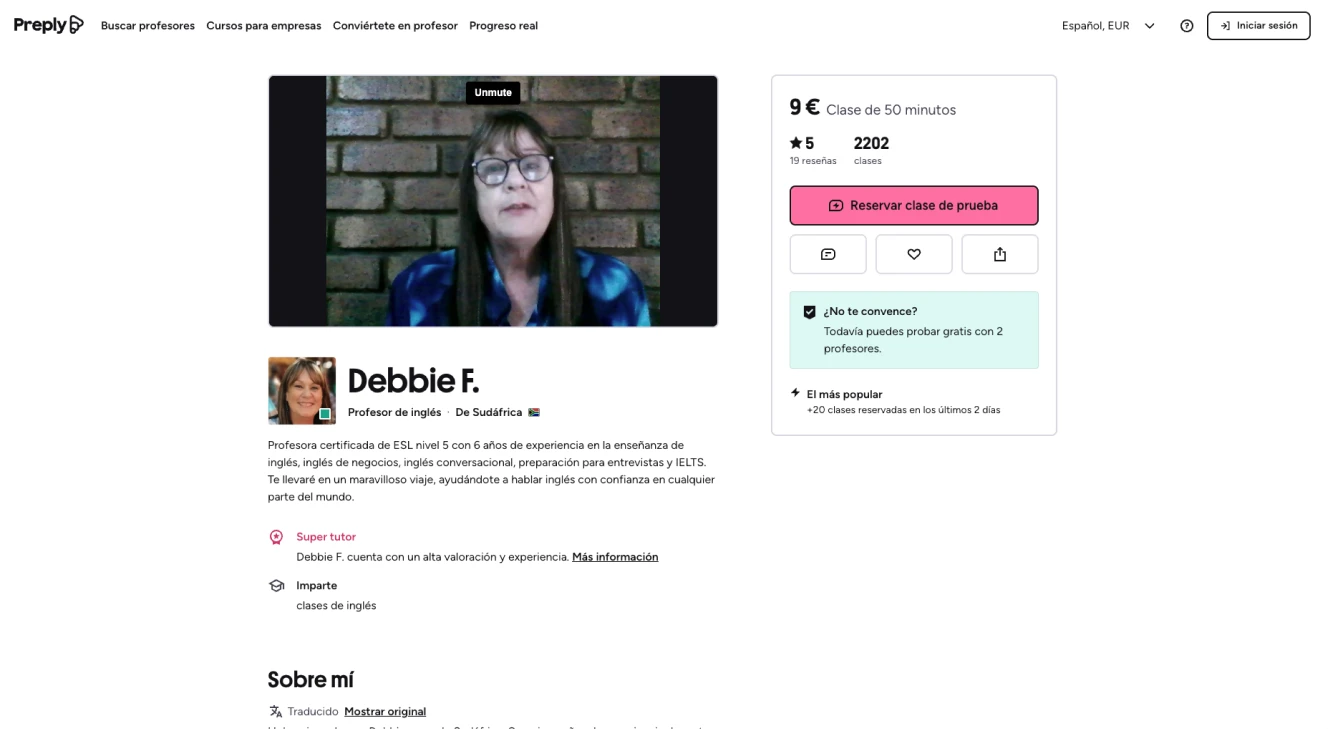
They review the tutor's profile, experience, reviews, and class details.
-
Calendar
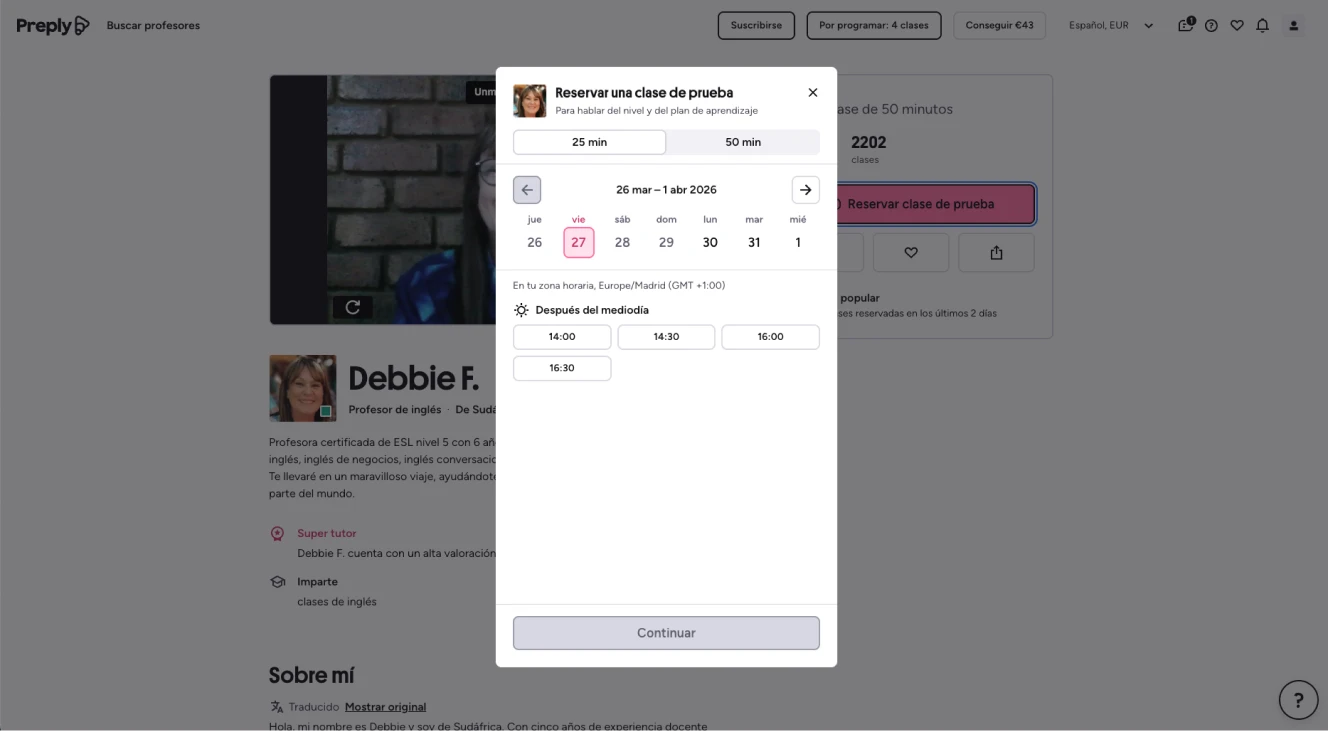
They choose the duration, date, and time that best fits their schedule.
-
Payment
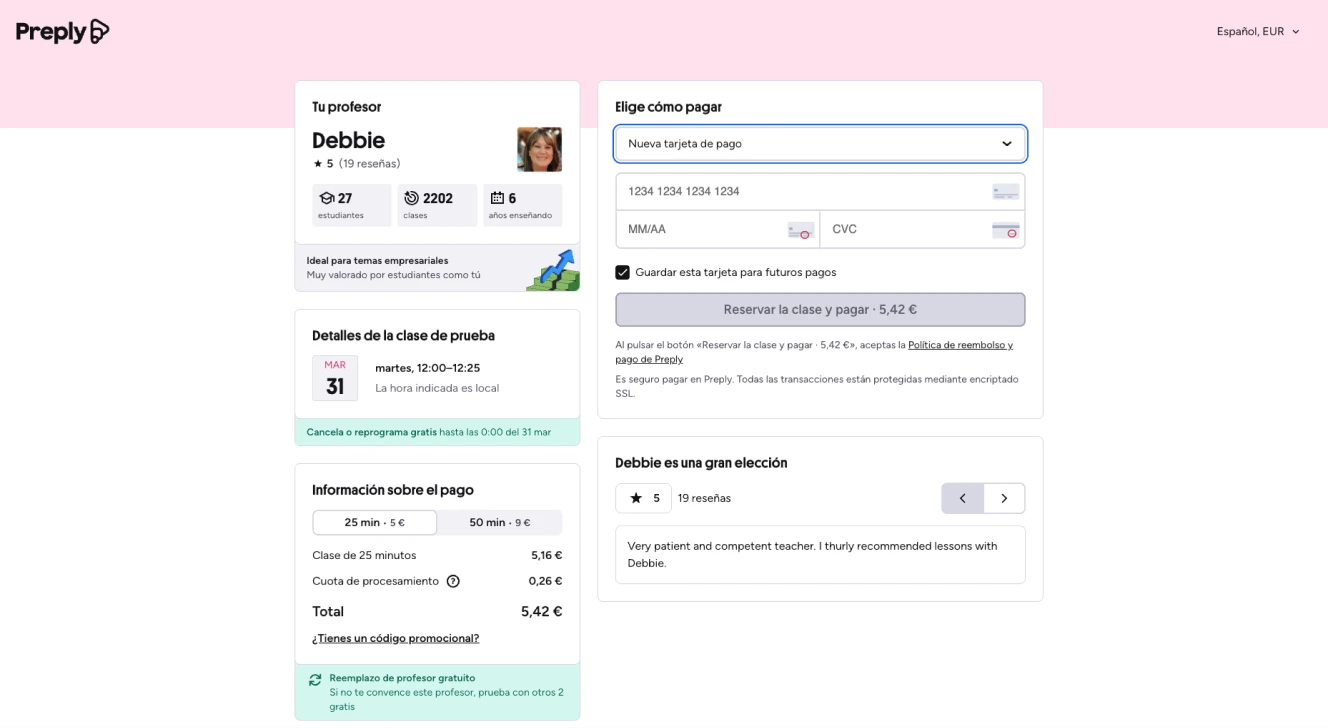
They complete the payment securely and confirm their lesson in just a few steps.
Methodology
 Methodology
I followed the WCAG Evaluation Methodology (WCAG-EM) 2.0, the standard methodology for WCAG conformance audits. Its five steps are the backbone of this case study.
01. Define the evaluation scope
-
Out of scope:
- Mobile version (iOS/Android app)
- My account area / Student dashboard
- Tutor area (tutor back-end)
- Blog and editorial content
- Customer support / Chat

02. Explore the target digital product
Before evaluating, I explored the product to identify what its accessibility depends on: views, content types, interaction patterns, and technologies.
The most relevant elements: Stateful custom components (modals, carousels, tabs), critical forms for payment and filters, and third-party iframes in the payment flow.
03. Select a representative sample set
The strategic decision was to audit the complete critical journey as the representative sample, rather than isolated pages.
Representative sample — the 5 views of the booking flow:
- Homepage / Search
- Search results
- Tutor profile
- Schedule / Calendar
- Payment and confirmation
Rationale: This is the process that drives product conversion. If it's accessible here, users can complete their core goal.
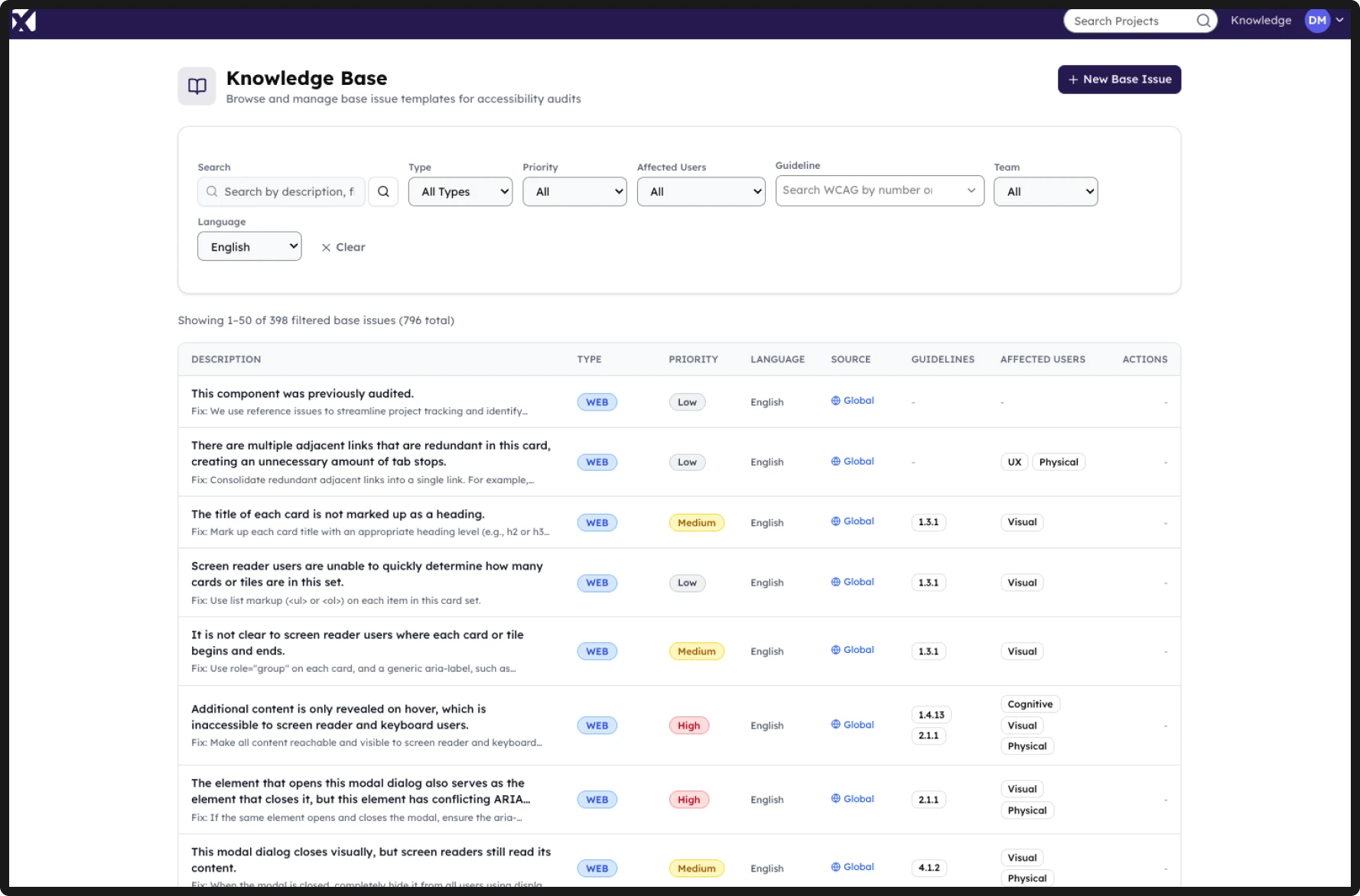
Recurring components: When a component appeared across multiple views (duration selector, block lists, language dropdown), I managed it with reference issues, auditing it once and tracking its fix across all instances.
04. Evaluate the selected sample set
I evaluated each view against the WCAG success criteria and the five conformance requirements. I audited complete flows, and all variants and states of each component.
How I evaluated:
05. Report the evaluation findings
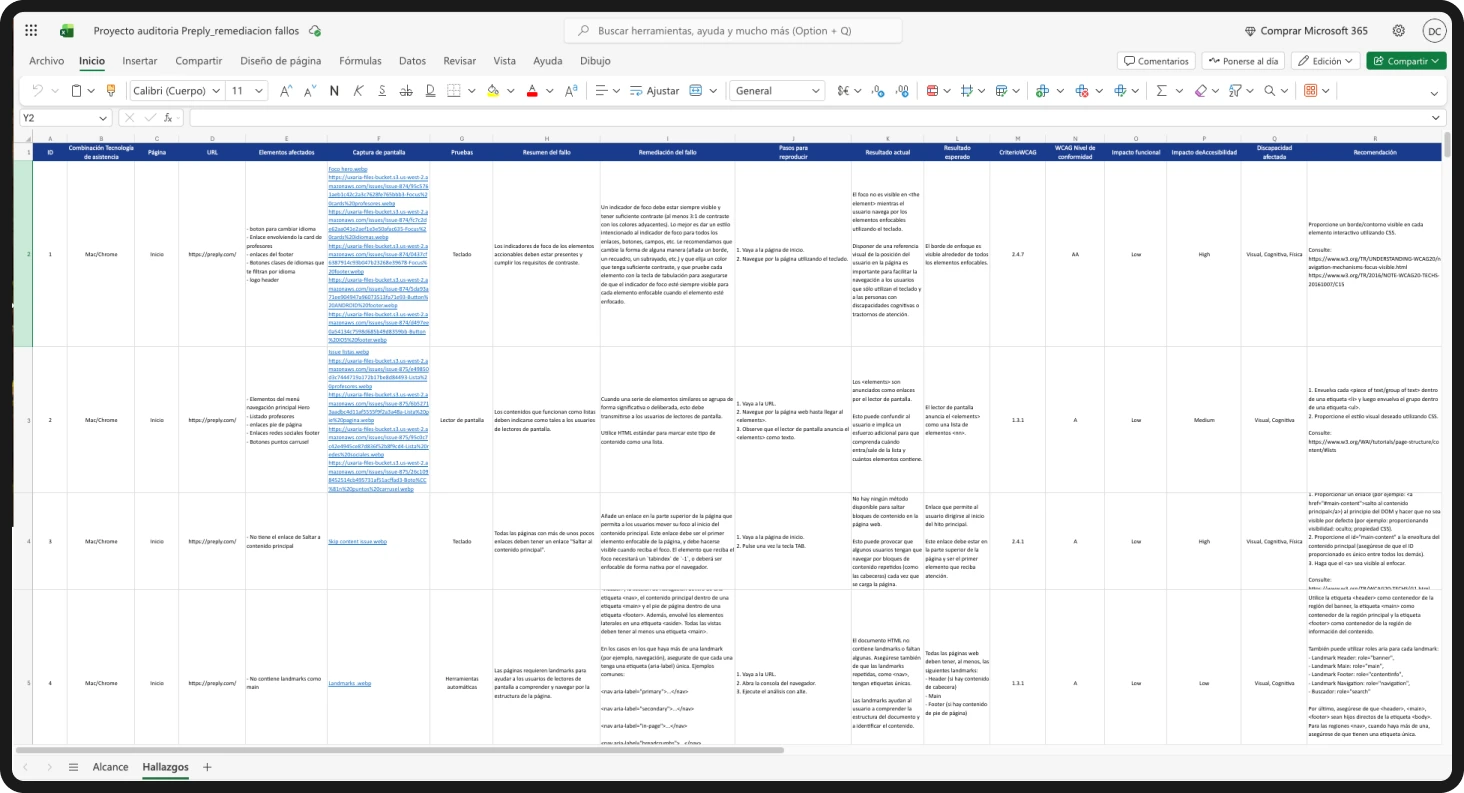
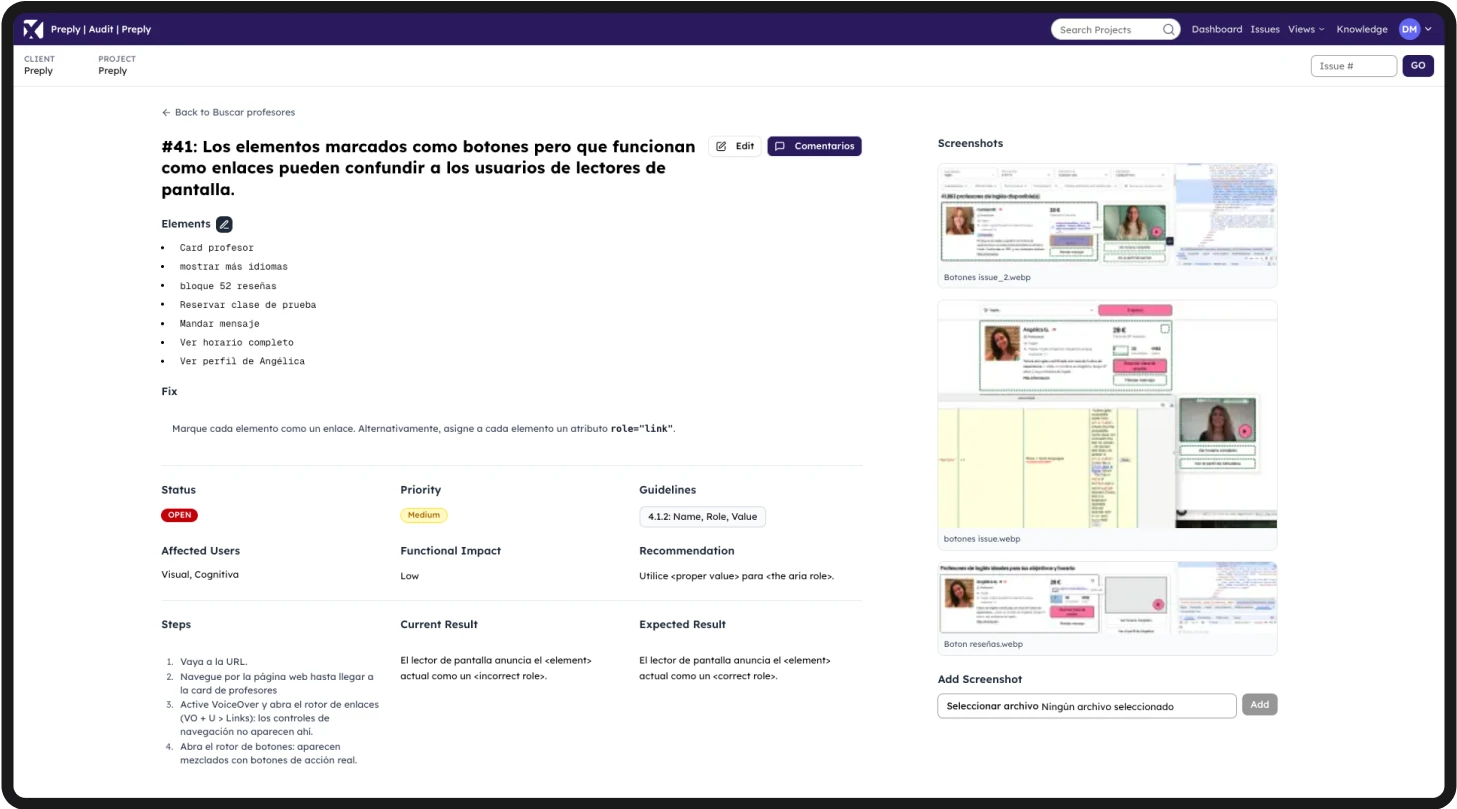
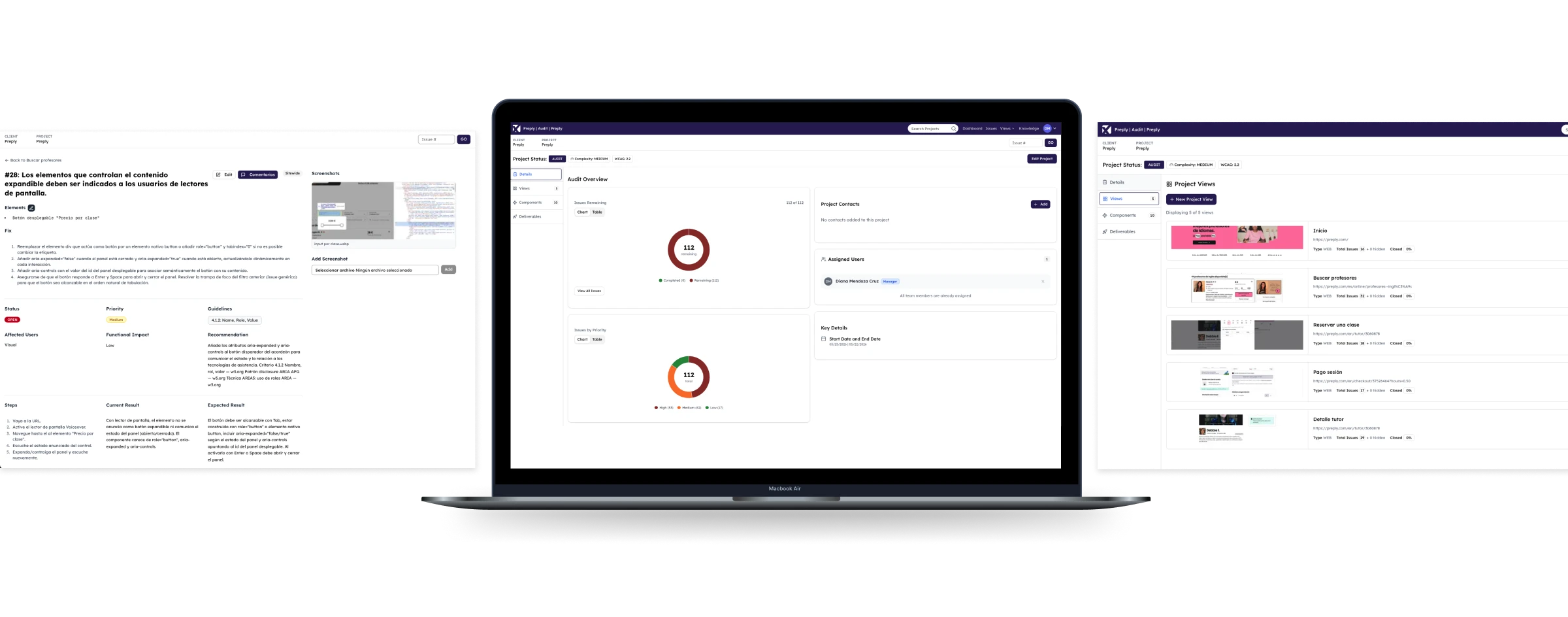
I documented each finding with screenshots in a format actionable for a development team: affected element, steps to reproduce, actual vs. expected result, WCAG criterion, conformance level, functional and accessibility impact, disability affected, and specific technical recommendation.
Findings were prioritised by accessibility impact and functional criticality within the booking flow.
Results
 Results
The audit identified where and why the booking flow fails for users with disabilities. The documented findings are not just a list of technical errors, they are the foundation for making improvement decisions with direct impact on user experience and conversion: an accessible flow is a flow more people can complete.